Senior Product Manager Paul Trundle joined our Craft Circle meetup last week to discuss and answer questions about the recent product updates and future innovations in Sitecore Personalize. From notifications, entity migration and the their recent A/B/n testing feature in XM Cloud to a cutting-edge journey orchestration and conditions builder, the session offered a glimpse into how Sitecore are acting on feedback from marketers and developers to incorporate features that make it intuitive to craft smarter, more engaging personalized experiences. This post dives into those recent feature and explores some of the roadmap features Paul shared.
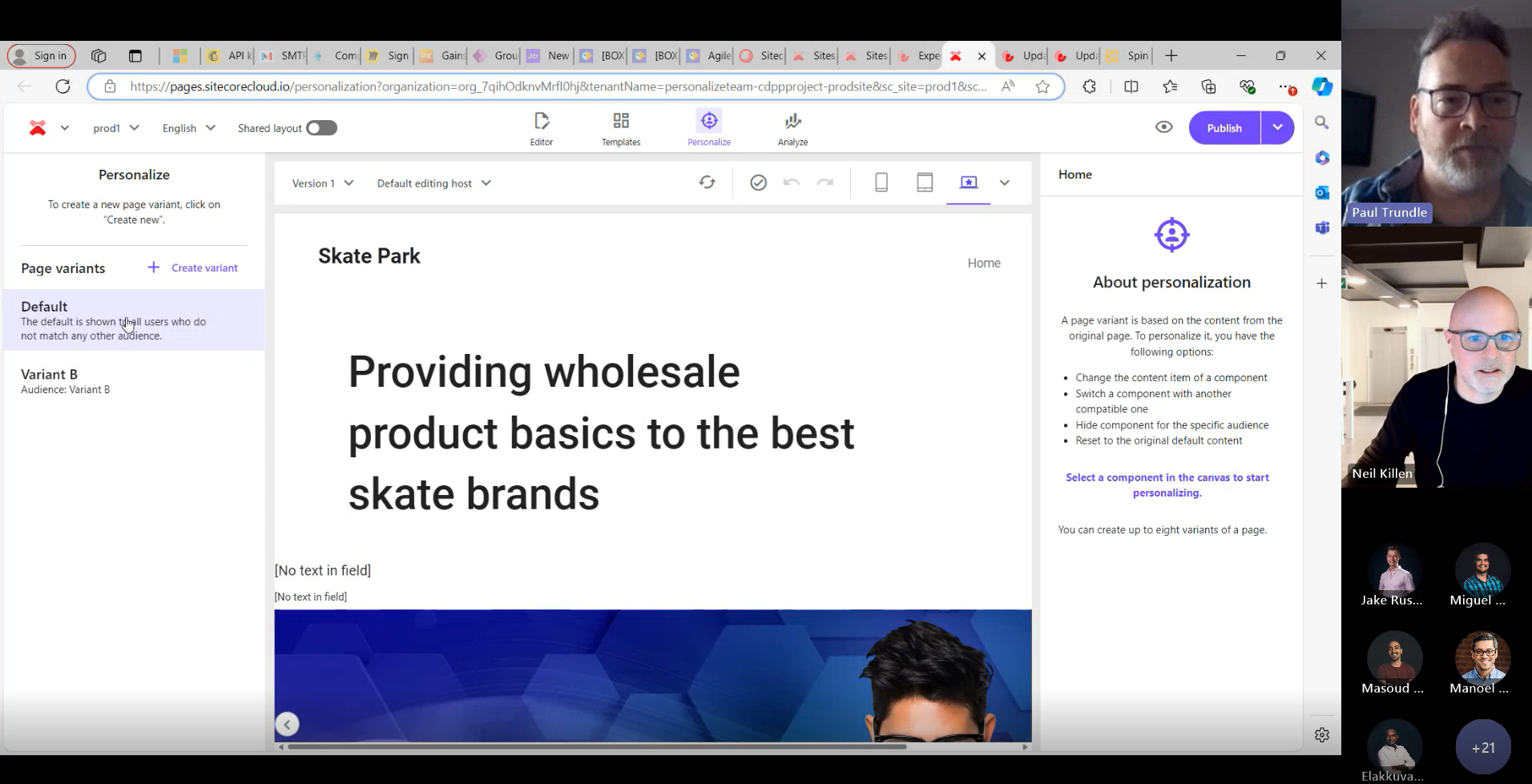
Enhanced Notifications
In June Sitecore Personalize included a new feature making it easier to stay updated on changes to your experiments and experiences with notifications. You can enable notifications for your own email address or add multiple recipients to keep your team informed. Once set up, recipients will receive alerts whenever an experiment or experience is started, completed, paused, or resumed. Each notification includes details about who made the change, what action was taken, and when it occurred—along with a direct link for quick access to the specific experiment or experience. To update the recipient list, head to the Notifications tile and remove any unwanted email addresses.

Copy To Tenant
The Copy to Tenant feature allows you to easily copy entities between tenants within the same region. With just a few clicks you can easily copy web templates, conditions, decision templates, JS modules, connections, offers, offer templates and your point of sale.
1.From the entity you want to copy simply choose Copy to tenant option:
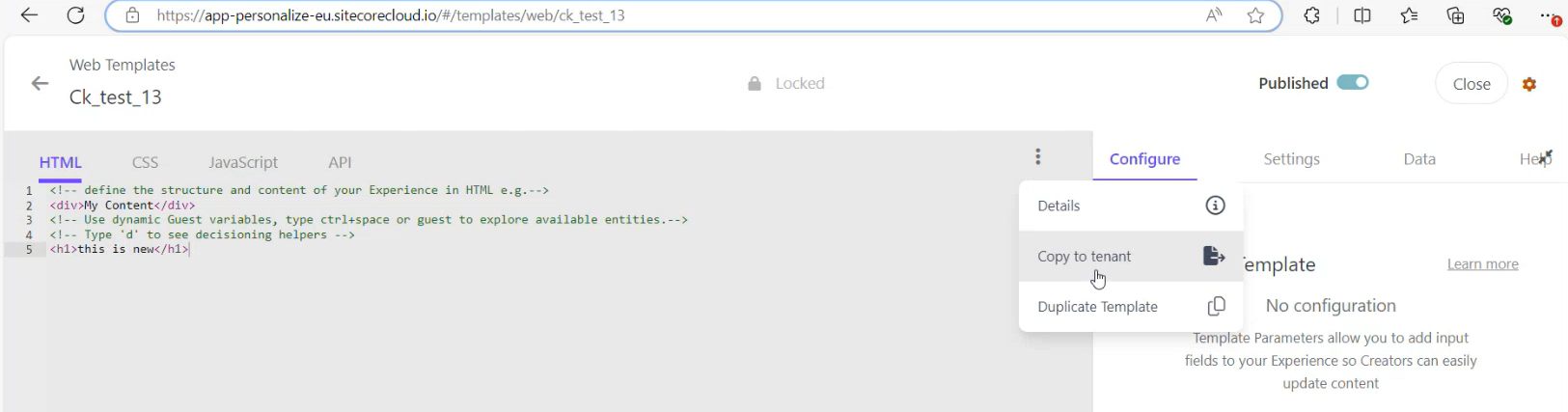
2.Choose your destination (it must be within the same region):

3.Create an exact copy of an asset or rename the asset before you copy it to the destination tenant:

4.Personalize will also perform collision detection and warn you if there is an asset with the same name in the destination, preventing you from potentially overwriting an existing entity:

As you can see this makes it really easy to transfer your entities between your tenants.
Continue reading



 Neil Killen